
 SystemTrayMenu 3
Press kit
Fact sheet, texts, images and trailers for your article, all free to use. If you write about SystemTrayMenu, you get a license for free.
Download images (ZIP, 1.6 MB)License for journalists
Fact sheet
- What
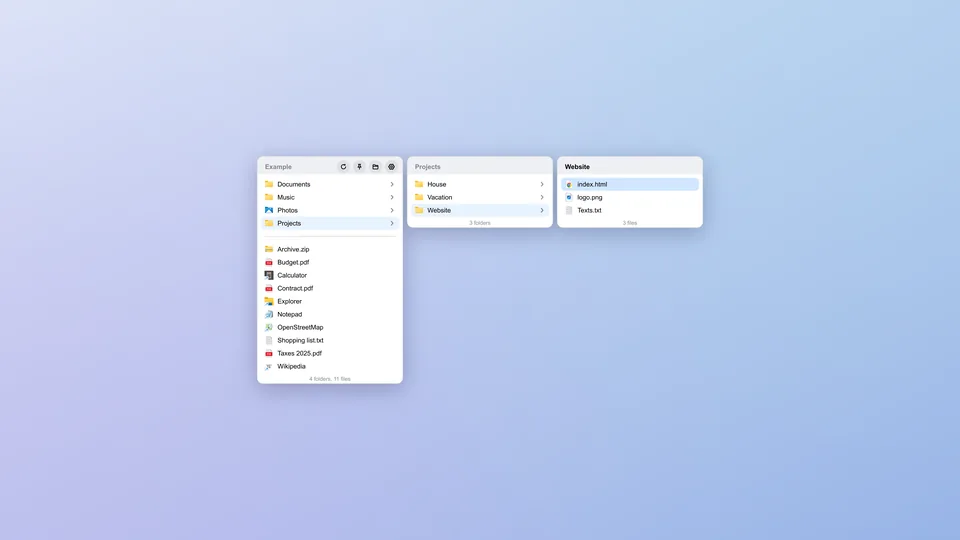
- A menu made from any folder, opened with Ctrl+Win (macOS ⌃⌥) or a click in the taskbar or menu bar. Subfolders open as columns, typing filters, Enter opens.
- For whom
- Anyone who opens the same folders, files, programs and links again and again. On Windows 11 it replaces the taskbar toolbars Microsoft removed, on the Mac the Dock stacks that show only one folder level.
- Systems
- Windows 10 (1809 or later) and 11, 64-bit · macOS on Apple silicon (M1 or later) · Linux 64-bit with X11 (Wayland limited)
- Price
- €2.99 once, no subscription. One license covers all computers in your household and is checked without internet.
- Trial
- Fully usable for 14 days, no sign-up. After that the main menu keeps opening, submenus need a license.
- Version
- 3, updates itself. What changes with each version: What’s new in SystemTrayMenu
- Predecessor
- Version 1, free and open source, Windows only: more than 50,000 downloads, 870 stars on GitHub. Version 3 is a rewrite and takes over its settings at first start.
- Technology
- Rust and Slint · about 20 MB of memory · no extra software · no account, ads or usage statistics · updates with a verified signature · 12 languages
- Developer
- Markus Hofknecht
- Contact
- Markus@Hofknecht.eu
- Link
- hofknecht.eu/systemtraymenu: the page picks the right package, file names change with every version.
Texts
Take them as they are or in parts.
In one line
Your folders as a menu, one keystroke away
Short
Your folders as a menu in the taskbar or menu bar: one keystroke opens it, subfolders open as columns, typing filters, Enter opens. For Windows, macOS and Linux. Free 14-day trial, then €2.99 once.
Long
SystemTrayMenu turns a folder into a menu that is there in 5 ms. Press Ctrl+Win (macOS ⌃⌥) or click its icon in the taskbar or menu bar: subfolders open as their own columns, and Enter or a click opens any file, program or link.
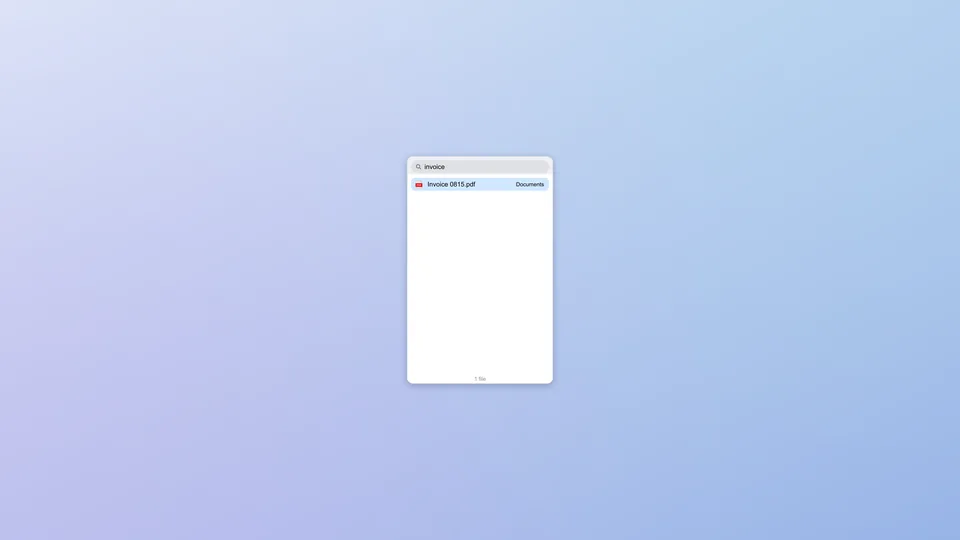
- Just start typing: every level filters as you type, * works as a wildcard, everything works without a mouse.
- Folders first, "Photo 2" before "Photo 10"; drag entries into your own order, remembered per folder.
- Drag links from the browser onto the menu: clean name, website icon, warning about duplicates.
- New files show up at once; shortcuts to folders open as a submenu.
- Order and icons reach every computer through OneDrive, Dropbox or iCloud.
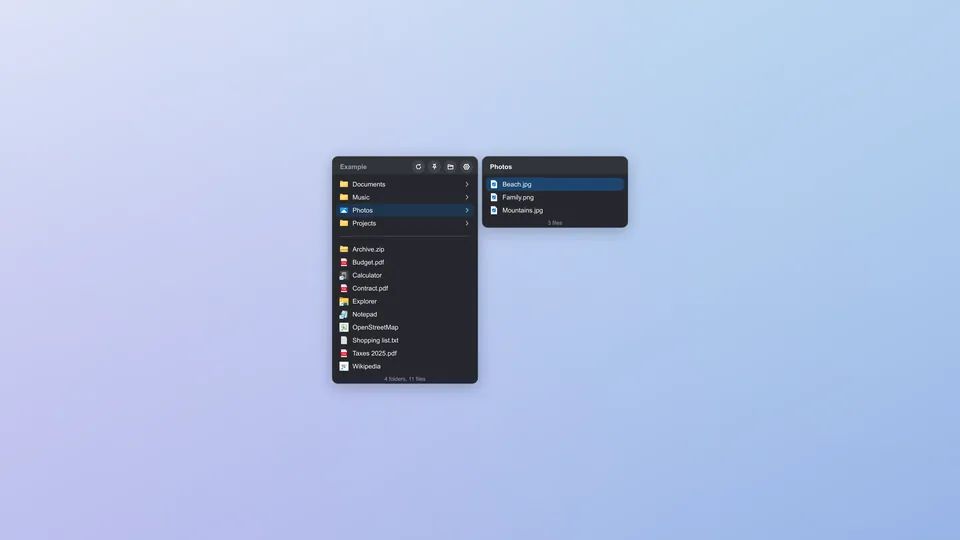
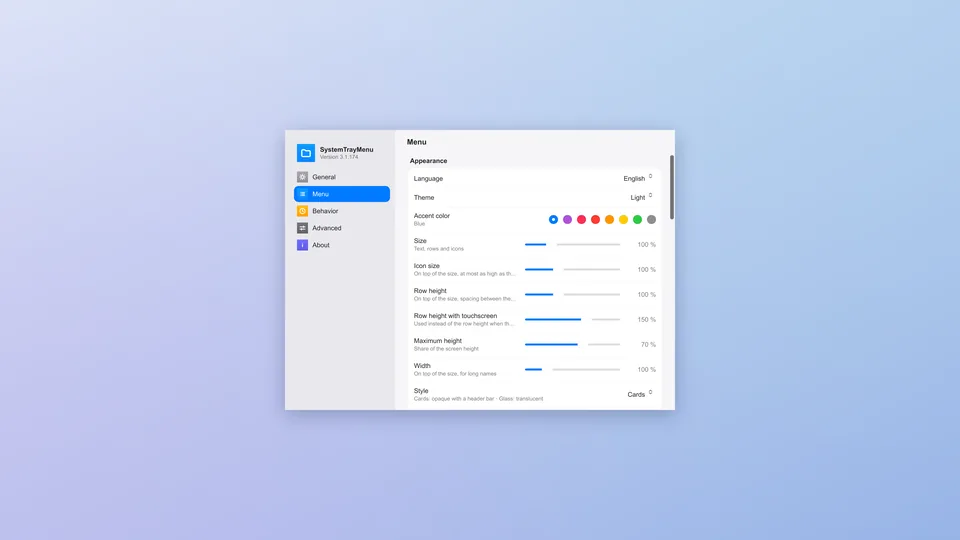
- Light, dark or like the system, with a glass look on macOS; 12 languages; runs portable from a USB stick.
- About 20 MB of memory, no extra software, no account, no ads, no usage statistics.
SystemTrayMenu 3 is the rewritten successor of version 1 (more than 50,000 downloads, 870 stars on GitHub) and takes over its settings at first start. Try it free for 14 days, no sign-up; then €2.99 once, no subscription, one license for all computers in your household, checked without internet. Version 1 stays free on GitHub.
Images
The ZIP holds all screenshots at 3840 × 2160 as PNG, in English and German, plus the icon as SVG and as PNG at 1024 × 1024. Free to use in reports about SystemTrayMenu, credit: hofknecht.eu.
Download all images as ZIP (1.6 MB)
Trailers
No sound, MP4, free to use like the images.
License for journalists
Writing about SystemTrayMenu 3 for a magazine, a blog or a channel? Then you get a license for free. Send a mail with the name of your publication, the license comes back by mail. For a first look the trial is enough: 14 days, no sign-up.
Questions, an interview or other images: Markus@Hofknecht.eu · Product page · Help